Top Piping Design Software Packages for 2026 | 2D & 3D Modelling Software Packages | Piping Design CAD Tools
I’ve spent more than two decades inside EPC projects—from refinery greenfield builds to messy brownfield revamps. And if there’s one mistake I see fresh engineers making, it’s choosing the wrong piping design software early in the project. That single decision can quietly destroy your schedule, inflate rework, and create coordination chaos between teams.
On site, software isn’t just a tool—it directly impacts constructability, clash detection, and fabrication accuracy. I’ve personally seen million-dollar rework triggered not by bad engineering, but by poor software alignment between disciplines.
Key Takeaways
- Not all piping design software fits every project—selection depends on project scale and complexity.
- SP3D and E3D dominate large EPC and refinery projects.
- AutoCAD Plant 3D works extremely well for fast-track and mid-scale jobs.
- 3D tools drastically reduce clashes but demand higher setup discipline.
- Wrong software choice leads to rework, coordination gaps, and cost overruns.
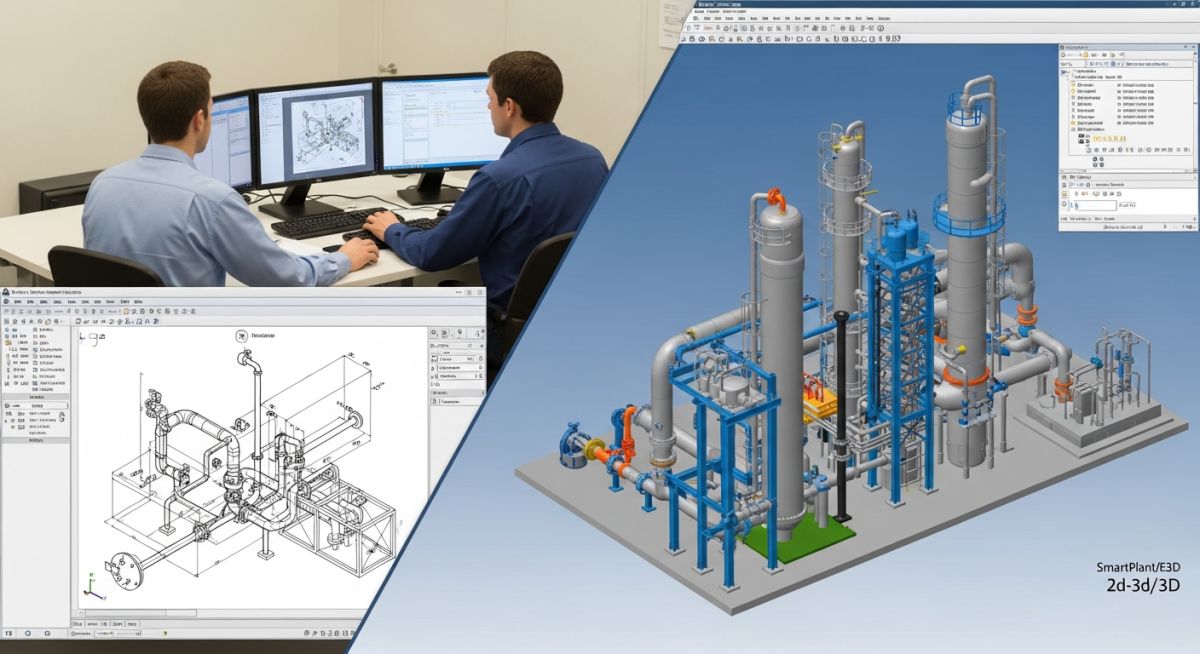
Piping design software enables engineers to create, analyze, and coordinate plant piping systems in 2D and 3D environments. Tools like SP3D, E3D, and AutoCAD Plant 3D streamline modeling, clash detection, and documentation, helping reduce rework, improve accuracy, and enhance collaboration across EPC projects.
Quick Knowledge Check (Field Reality Test)
1. In my experience on refinery EPC projects, which piping design software dominates large-scale execution?
Types of Piping Design Software Programs
I split piping design software into two working groups on live EPC jobs: 2D drafting tools and intelligent 3D plant design platforms. In the field, I do not judge software by the marketing sheet. I judge it by five things: model stability, spec control, clash reliability, isometric output, and how fast the piping team can recover after late equipment movement.
2D tools still survive in small modification jobs, vendor-skid detailing, and low-budget revamps. But once your project starts carrying thousands of lines, multiple battery limits, and crowded pipe racks, I move the team toward a 3D environment. That is where data-driven routing, nozzle intelligence, support coordination, and discipline integration start paying back.
Top 3D Piping Design Software Programs
On refinery, petrochemical, fertilizer, and offshore projects, these are the names I keep seeing in real execution environments. Each one has a place, but each one also has a trap.
Piping Design Software Package: Smart Plant 3D or SP3D
Smart 3D by Hexagon is one of the platforms I trust on large EPC projects with deep discipline integration. It handles intelligent piping objects, rule-based modeling, and database-backed design control. I like SP3D when the client wants strict engineering governance, strong hierarchy control, and coordinated work across piping, civil, structural, and equipment teams.
- Best fit: large refineries, petrochemical plants, LNG, and owner-operator ecosystems
- Strength: intelligent modeling with high discipline coordination
- Catch: setup quality decides whether the project runs smoothly or becomes slow and bureaucratic
Piping Design Software Program: E3D/PDMS
AVEVA E3D Design came from the long PDMS lineage, and I still see its DNA across brownfield and offshore work. When I inherit older asset models, PDMS history matters because migration quality can decide whether the design office trusts the database or fights it every week. E3D is strong in mature 3D workflows, model navigation, and plant-scale handling.
- Best fit: offshore, brownfield revamps, legacy asset environments
- Strength: robust model handling and established plant design workflows
- Catch: migration and data cleanup can eat your schedule if model ownership was poor in the legacy phase
AutoPLANT 3D as Piping Design Software Package
Bentley AutoPLANT sits in a familiar place for teams that have worked for years in Bentley-led ecosystems. I have seen it used where owner standards and historical workflows already exist. It can deliver, but I do not usually recommend it for a fresh team unless there is a clear business reason tied to existing templates, standards, or integration requirements.
Piping Design Software Program: AutoCAD Plant 3D
AutoCAD Plant 3D by Autodesk is the package I often recommend for mid-size EPC contractors, package units, and fast-track Indian projects where budget discipline matters. It is easier to deploy than enterprise-heavy systems, and the learning curve is more forgiving for drafting-heavy teams moving into 3D.
- Best fit: mid-scale projects, revamps, skid systems, cost-sensitive EPC execution
- Strength: solid balance of capability, speed, and affordability
- Catch: on very large multi-office programs, governance and scaling need close control
Piping Design Software Package: CADWorx Plant Professional
CADWorx Plant Professional wins respect because many designers can get productive quickly. For compact plants, retrofit jobs, and engineering offices that need practical output without heavy overhead, CADWorx can be a sharp option. I have seen it perform well where execution speed mattered more than enterprise-level data governance.
Top 2D Piping Design Software Packages
I still use 2D tools in a controlled way. They are useful for conceptual routing, simple utility systems, tie-in sketches, marked-up vendor drawings, and emergency issue-for-construction updates when the 3D model lags.
- AutoCAD: still common for P&IDs, details, nozzle orientation sketches, and field revision support
- MicroStation: shows up in owner environments and civil-heavy ecosystems
- 2D isometric drafting tools: useful where the line count is low and fabrication complexity is limited
But here is the catch: once congestion rises, 2D drafting stops showing the real risk. You cannot reliably visualize structural interference, maintenance clearance, valve access, or support interaction in a crowded module from flat views alone.
Other Piping Design Software Programs
Depending on the client stack, I also run into OpenPlant Modeler, discipline-specific stress tools linked to piping deliverables, and owner-managed digital twin environments. These are not always the first name on a contractor shortlist, but they can matter when the employer already has locked standards.
My rule is simple: if procurement, operations, and maintenance teams will consume the data long after handover, I choose the platform that preserves model intelligence cleanly, not the one that only looks good during design review.
Selection of Piping Design Software Program
When I select a platform, I do not start with the demo. I start with the project risk profile. I ask:
- How many lines, units, and model areas will be built?
- Is this a greenfield plant or a brownfield job with ugly legacy data?
- How many disciplines must work in parallel?
- Will the client demand strict spec-led intelligence and integrated handover data?
- How many designers can the office train quickly without killing productivity?
- What is the budget tolerance for licenses, admin setup, and customization?
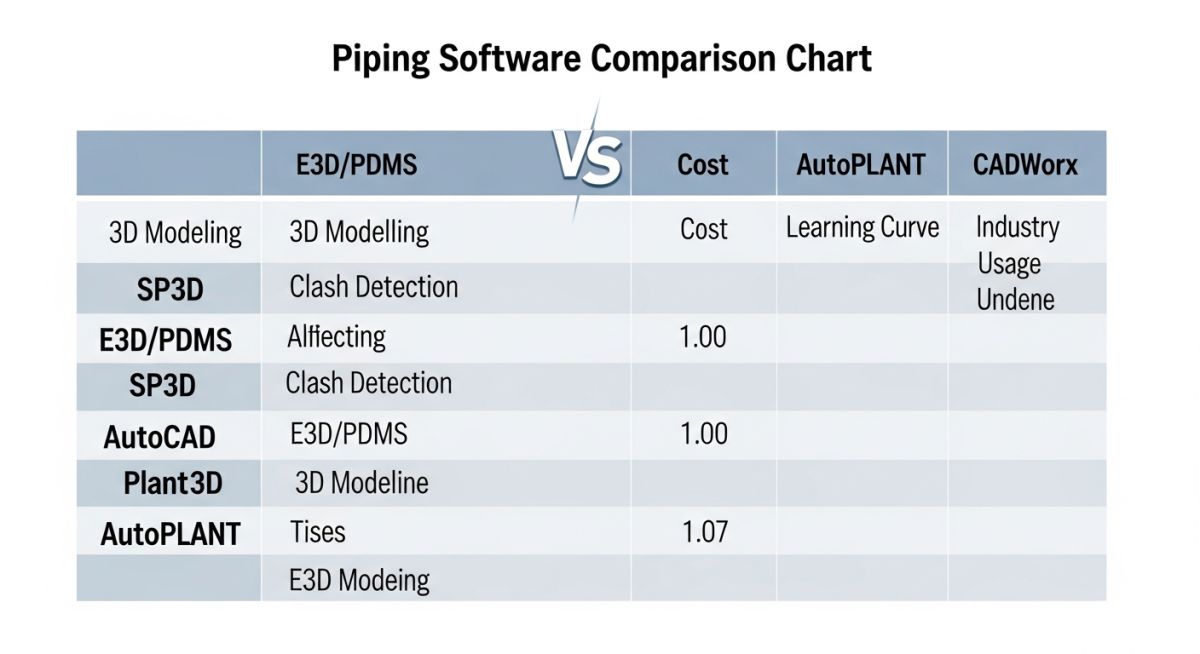
| Software | Best for | 3D Modeling | Clash / Coordination | Learning Curve | My Field Read |
|---|---|---|---|---|---|
| Smart 3D (SP3D) | Large EPC, refining, petrochemical | High | High | Steep | Outstanding when governance is strong |
| AVEVA E3D | Offshore, brownfield, legacy PDMS ecosystems | High | High | Steep | Strong for heritage asset environments |
| AutoCAD Plant 3D | Mid-size EPC, fast-track projects | Good | Good | Moderate | Best balance for speed and budget |
| CADWorx Plant Professional | Compact plants, retrofit, agile engineering teams | Good | Moderate | Moderate | Fast productivity for practical offices |
| AutoPLANT | Bentley-aligned environments | Good | Moderate | Moderate | Works well where standards already exist |
Which is the Best Piping Software?
I do not give one universal winner because that answer is wrong in practice. My field view is sharper than that:
- For mega EPC and owner-driven governance: SP3D is a top-tier option.
- For offshore and legacy model continuity: E3D makes strong sense.
- For mid-size and fast commercial delivery: AutoCAD Plant 3D is usually the smartest buy.
- For quick team productivity and retrofit flexibility: CADWorx often performs better than people expect.
The best tool is the one your team can configure correctly, execute consistently, and hand over without corrupting engineering intent. I have seen smaller teams beat bigger platforms simply because their standards were tighter and their model discipline was cleaner.
Premium Field Case Study: AutoCAD Plant 3D on a Fast-Track EPC Package
Action & Analysis
I pushed for AutoCAD Plant 3D instead of a heavier system because the team needed speed, not ceremony. I locked the piping class library early, standardized naming, froze line numbering logic, and forced weekly model coordination with structural and equipment leads. I also set a strict redline loop for nozzle orientation changes and issued short internal checklists for branch fittings, support placeholders, and valve accessibility.
The turning point came when we stopped treating the 3D model as a drawing generator and started using it as a coordination gate. We ran clash reviews against steel and access zones before isometric release. That cut down the usual wave of late field modifications. The team was not using the heaviest software on the market, but the workflow was disciplined, and that is what changed the job outcome.
Field Lesson Learned Sign-Off
If your project is medium in scale and brutally short on time, do not buy complexity you cannot govern. I would rather see a disciplined team run a lean platform well than watch a large platform collapse under weak admin control, broken specs, and sloppy model ownership.
Executive FAQ
Is 3D piping design software always better than 2D? +
What is the biggest failure point during software implementation? +
Which software is easier for a 2D drafting team to adopt? +
How do I choose between SP3D and E3D? +
Can low-cost software still produce reliable fabrication deliverables? +
What should I audit before final software selection? +
Complete Course on
Piping Engineering
Check Now
Key Features
- 125+ Hours Content
- 500+ Recorded Lectures
- 20+ Years Exp.
- Lifetime Access
Coverage
- Codes & Standards
- Layouts & Design
- Material Eng.
- Stress Analysis

📚 Recommended Resources: Piping Design Software
Read these Guides
- 📄 Piping Thermal Expansion Design Guide: Calculations, Loops & B31.3 Limits
- 📄 What is a Pipe Anchor? Comprehensive Engineering Guide to Design, Types, and Functions
- 📄 Basis of Design: How to Write a BOD for Engineering Projects in 2026
- 📄 Flare Knockout Drum Sizing: Design & API 521 Standards (2026 Guide)