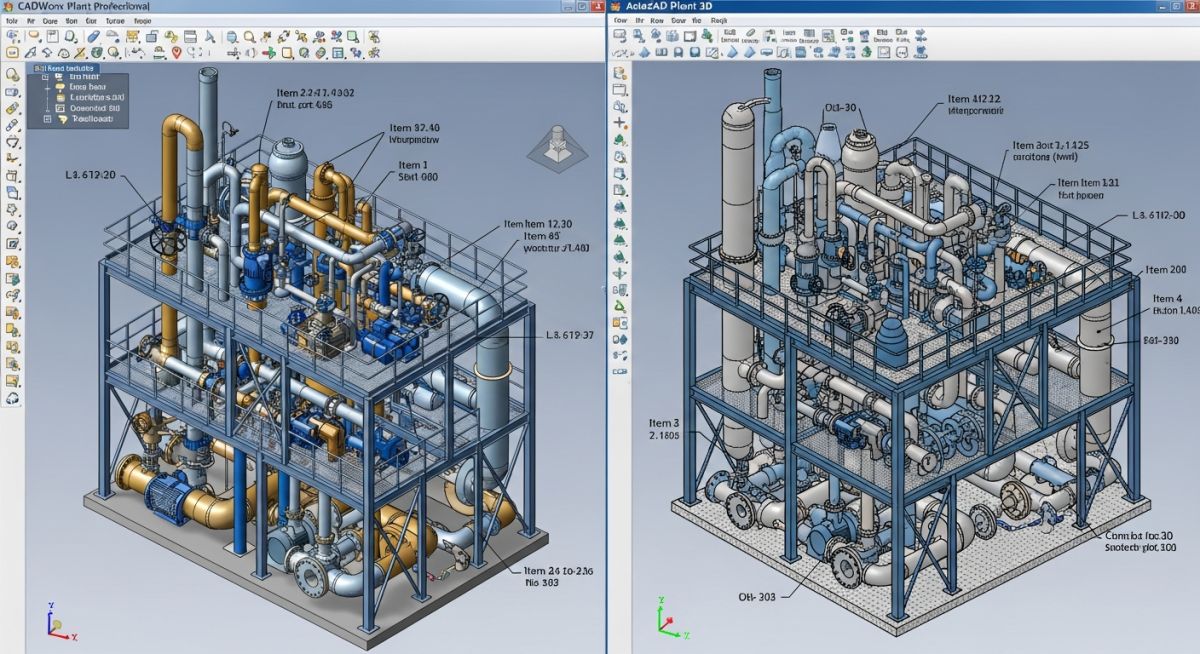
CADWorx vs AutoCAD Plant 3D: Which Piping Software Wins?
In my 20 years of managing piping engineering teams, I have executed projects ranging from small-scale skid packages to multi-billion dollar petrochemical facilities. I have spent thousands of hours inside both CADWorx and AutoCAD Plant 3D, dealing with spec generation, database crashes, and isometric extraction bottlenecks. Choosing between these two platforms is not just about software licensing; it dictates your entire engineering workflow, your team’s drafting speed, and how seamlessly your 3D models integrate with stress analysis programs like CAESAR II.
Both systems run on top of a CAD engine—AutoCAD Plant 3D is natively built into the AutoCAD ecosystem, while CADWorx Plant Professional can run on either AutoCAD or BricsCAD. This architectural difference has massive implications for licensing costs, hardware performance, and overall system stability.
Key Engineering Takeaways
- Stress Analysis Integration: CADWorx offers a native, bi-directional link with CAESAR II, making it the superior choice for stress-heavy piping systems.
- Database Stability: AutoCAD Plant 3D relies on SQLite for local projects, which requires migration to SQL Server for multi-user collaboration to prevent database corruption.
- Platform Flexibility: CADWorx supports BricsCAD as an alternative engine, offering a significant reduction in annual licensing overhead compared to Autodesk subscriptions.
Complete Course on
Piping Engineering
Check Now
Key Features
- 125+ Hours Content
- 500+ Recorded Lectures
- 20+ Years Exp.
- Lifetime Access
Coverage
- Codes & Standards
- Layouts & Design
- Material Eng.
- Stress Analysis
Why CADWorx vs AutoCAD Plant 3D Matters
When evaluating CADWorx vs AutoCAD Plant 3D, we must look past the marketing brochures and analyze how these tools handle raw engineering data. A 3D piping model is not just a collection of 3D shapes; it is a visual database. Every elbow, valve, and flange must carry metadata that complies with ASME B31.3 or ASME B31.1.
Database Architecture and Multi-User Collaboration
AutoCAD Plant 3D uses a project-centric database structure. By default, it creates local SQLite databases for piping, P&ID, and orthographic drawings. While this is excellent for a single designer working on a local machine, it fails under the weight of multi-user collaboration. For team environments, you must configure Plant 3D to use Microsoft SQL Server.
CADWorx Plant Professional, on the other hand, writes data directly to external databases (MS Access, SQL Server, or Oracle) on a component-by-component basis. This direct database mapping makes CADWorx highly resilient. If a drawing file corrupts, the database remains intact, allowing you to reconstruct the model easily.
Never run a multi-user AutoCAD Plant 3D project on a shared network drive using the default SQLite database. Concurrent write operations will lock the database, leading to irreversible drawing synchronization errors and lost modeling hours. Always migrate to SQL Server before modeling begins.
Piping Specification and Catalog Management
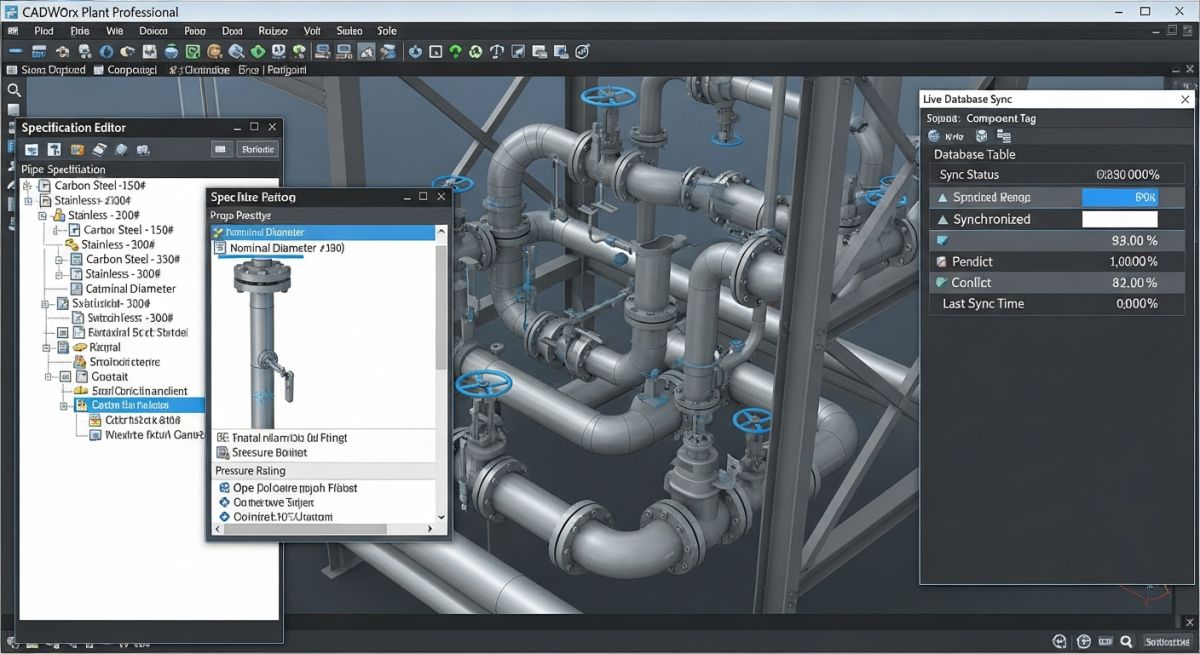
Piping specifications are the backbone of any intelligent plant design software. Both platforms offer robust spec editors, but their workflows differ significantly:
- CADWorx Spec Editor: Uses a centralized catalog structure where specifications (.spc files) reference a master data file (.gbl). This makes global updates to component dimensions or material grades incredibly fast.
- AutoCAD Plant 3D Spec Editor: Uses a catalog-to-spec transfer method. Once a component is copied from a catalog (.pcat) into a spec (.pspx), it becomes independent. This is highly flexible but makes bulk updates across multiple specs tedious.
- Specification Validation: Both platforms require rigorous testing of branch tables to ensure automatic component placement functions correctly during routing.
Stress Analysis Integration and CAESAR II Workflows
This is where the divergence between the two platforms becomes most apparent. Because Hexagon owns both CADWorx and CAESAR II, the integration is seamless. Using the native _C2OUT command in CADWorx, you can export your piping model directly into CAESAR II with all material properties, operating temperatures, pressures, and insulation weights fully mapped.
AutoCAD Plant 3D relies on exporting a Piping Component File (PCF). While CAESAR II can import PCF files, the mapping process is manual and prone to errors. Valves often import as rigid elements without proper weights, and coordinate systems can shift, requiring extensive manual correction by the stress engineer.
Comparing CADWorx vs AutoCAD Plant 3D Specifications
| Feature / Parameter | Hexagon CADWorx Plant Professional | Autodesk AutoCAD Plant 3D |
|---|---|---|
| Base CAD Engine | AutoCAD or BricsCAD Pro/Ultimate | AutoCAD (Included natively) |
| Database Options | MS Access, SQL Server, Oracle | SQLite (Local), SQL Server (Network) |
| Stress Analysis Link | Direct bi-directional link to CAESAR II | Indirect via PCF export/import |
| Isometric Engine | Isogen (Industry Standard) | Built-in Isogen-based engine |
| Licensing Model | Perpetual or Subscription (Network/Local) | Subscription only (Named User) |
| Entity Type | CADWorx Identifier | Plant 3D Class | CAESAR II Mapping | Applicable Standard |
|---|---|---|---|---|
| Piping Component | C2 Component Data | PipingConnection | Direct Node Transfer | ASME B31.3 |
| Structural Member | CADWorx Steel | Structure Member | Structural Frame Export | AISC 360 |
| Equipment Model | CADWorx Equipment | Equipment Class | Nozzle Load Analysis | API 610 / ASME Sec VIII |
Software Selection and Deployment Checklist
Before committing capital to software licenses, engineering managers must systematically evaluate their project requirements. Use this checklist to guide your team’s software selection process:
Deployment Verification Steps
-
Database Infrastructure Audit: Verify if your IT infrastructure supports Microsoft SQL Server for multi-user collaboration.
-
Stress Analysis Workflow Check: Determine if more than 30% of your piping lines require formal stress analysis in CAESAR II. If yes, CADWorx is highly recommended.
-
CAD Engine Licensing Review: Evaluate if BricsCAD can replace AutoCAD to reduce overall software licensing costs by up to 50%.
-
Specification Customization Resources: Ensure you have a dedicated CAD Administrator capable of building custom specs in either the CADWorx Spec Editor or Plant 3D Spec Editor.
-
Client Deliverable Alignment: Confirm if the client requires native DWG files with intelligent object data or if standard 3D models are acceptable.
Field Case Study: Real-World Application
A mid-sized EPC firm was tasked with designing a fast-track modular chemical processing skid. The team initially utilized AutoCAD Plant 3D with a local SQLite database. As the model grew to 1,500 lines, the local database suffered frequent synchronization locks, and exporting PCF files to CAESAR II resulted in misaligned piping anchors and lost valve weight data, delaying the stress analysis cycle by two weeks.
I stepped in and migrated the project workflow. We transitioned the team to CADWorx Plant Professional integrated with a centralized Microsoft SQL Server database. By leveraging CADWorx’s direct CAESAR II bi-directional link, we eliminated PCF mapping errors. The stress analysis turnaround dropped from 14 days to 4 hours, allowing the project to meet its tight mechanical completion deadline.
Frequently Asked Engineering Questions
Can CADWorx run without an AutoCAD license?
How does AutoCAD Plant 3D handle isometric drawing generation?
Which software is better for large-scale multi-user projects?
Is it easy to migrate specifications between CADWorx and Plant 3D?
How does the CAESAR II integration differ between the two?
Which platform is easier for a beginner to learn?