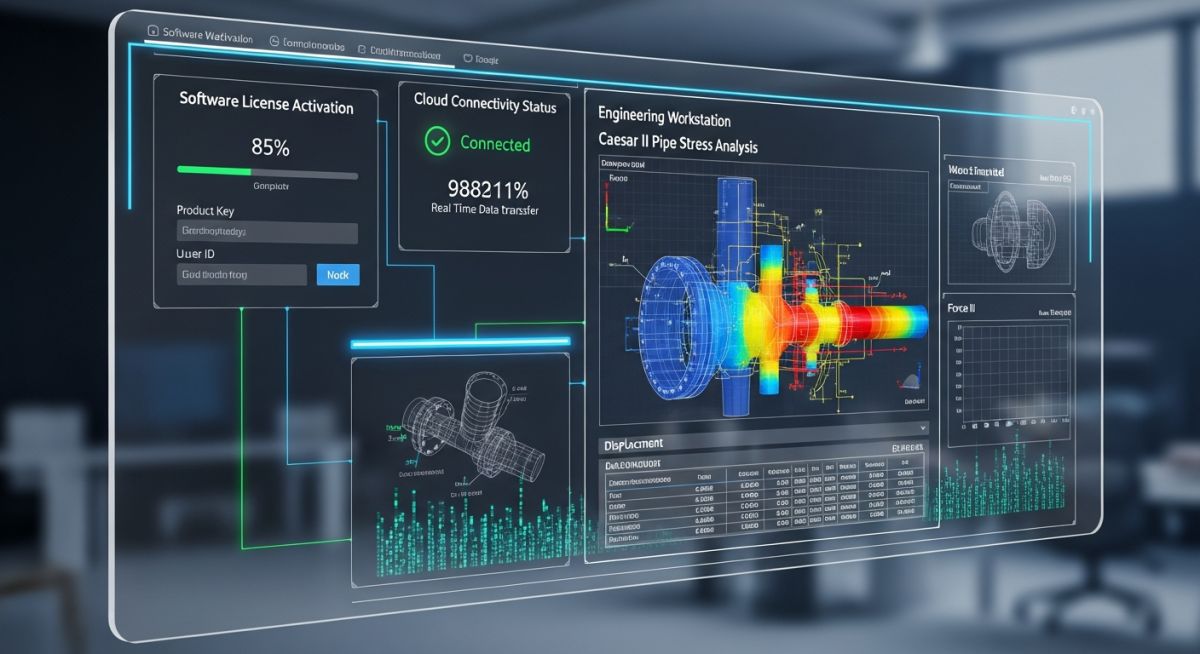
How to Configure Intergraph Smart Licensing Caesar II for Pipe Stress
In my 20+ years of piping engineering, nothing halts a critical project faster than a licensing seat conflict right before a major stress review. When Hexagon transitioned from the legacy HASP hardware keys and Intergraph License Manager (SPLM) to the cloud-based Intergraph Smart Licensing (ISL) platform, many engineering teams struggled with the shift. I have spent countless hours configuring these systems on remote servers, and this guide is designed to save you from those same headaches.
Transitioning to a cloud-based license manager requires a clear understanding of network protocols, firewall rules, and client-side configurations. Whether you are running static load cases under ASME B31.3 or dynamic seismic analyses, a stable connection to your licensing tenant is the foundation of your workflow.
- Eliminate physical USB dongle failures by migrating to a secure cloud tenant.
- Enable offline checkout capabilities for field engineers working on remote construction sites.
- Optimize concurrent seat utilization across global engineering offices.
Step-by-Step Setup for Intergraph Smart Licensing Caesar II
The architecture of Intergraph Smart Licensing (ISL) relies on a secure HTTPS connection between your local workstation and the Hexagon Cloud License Server. Unlike the older SPLM, which required a local license server on your office intranet, ISL communicates directly with Hexagon’s global infrastructure. This eliminates local server maintenance but introduces strict network requirements.
To calculate your team’s license utilization efficiency, I recommend tracking the License Utilization Ratio. This is calculated as the number of active concurrent users divided by the total purchased seats. Maintaining a ratio close to 0.85 ensures maximum return on investment without causing access bottlenecks during peak project hours.
I have seen projects delayed for days because IT departments blocked outbound traffic on Port 443. Ensure that your network administrator whitelists the domain
*.ingrnet.com and *.hexagon.com before attempting the client installation.
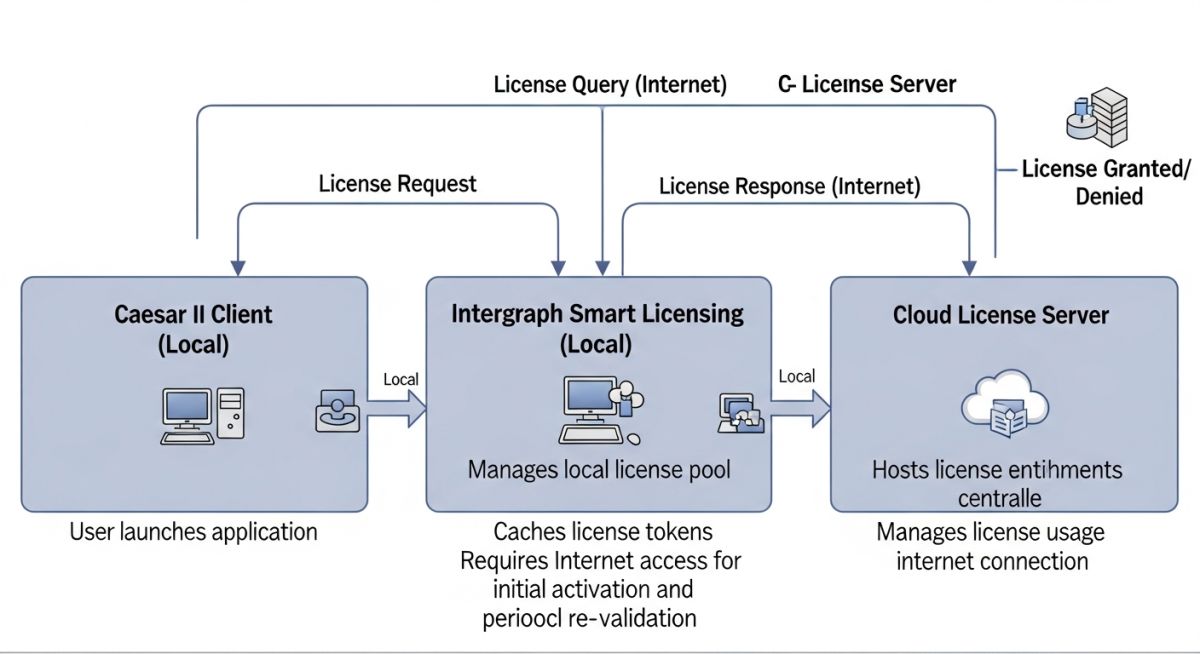
When configuring Caesar II, open the Configuration Editor and navigate to the “Database Definitions” and “Shared Options” tabs. Here, you must specify “Smart License” as the primary licensing method. If your company uses a hybrid setup with legacy HASP keys for specific legacy versions, you must define the driver search order to prevent software hangs during startup.
| Parameter | Requirement | Protocol | Purpose |
|---|---|---|---|
| Outbound Port | 443 (HTTPS) | TCP | Secure communication with Hexagon Cloud |
| Fallback Port | 80 (HTTP) | TCP | CRL and OCSP certificate validation checks |
| Domain Whitelist | *.ingrnet.com | HTTPS | Primary licensing tenant validation endpoints |
| Max Latency | Less than 150 ms | ICMP / Ping | Prevents seat checkout timeouts during startup |
| Entity / Acronym | Technical Definition | Caesar II Integration | Reference Standard |
|---|---|---|---|
| ISL Client | Local background service managing cloud tokens | Launches automatically with Caesar II executable | Hexagon ISL Admin Guide |
| CCI File | Cloud Configuration Installation file containing tenant keys | Imported via ISL Configuration Tool to link workstation | ISO/IEC 27001 Security Compliance |
| Seat Checkout | Temporary offline license reservation mechanism | Allows up to 30 days of offline pipe stress analysis | ASME B31.1 / B31.3 Project Execution |
Pre-Deployment Checklist for Caesar II Licensing
Before rolling out the Intergraph Smart Licensing client to your engineering team, run through this checklist. In my experience, taking twenty minutes to verify these parameters prevents hours of troubleshooting individual user tickets later.
-
Verify that the local workstation is running Windows 10/11 Pro 64-bit with administrative privileges enabled for the installer. -
Confirm that the Intergraph Smart Licensing (ISL) Client version matches or exceeds the minimum version specified in the Caesar II release notes. -
Download and validate the Cloud Configuration Installation (.cci) file from the Hexagon Licensing Portal. -
Test network connectivity to the licensing server using the command-line ping tool to ensure latency is below 150 ms. -
Ensure any legacy SPLM or HASP drivers are fully uninstalled if they are no longer required, avoiding driver conflicts.
Field Case Study: Real-World Application
A global EPC firm with 150 pipe stress engineers across three continents experienced frequent “License Seat Unavailable” errors during critical design phases of a major petrochemical project. The legacy SPLM server was dropping connections, causing Caesar II to crash mid-analysis, risking data corruption of complex piping models designed under ASME B31.3.
I led the migration to Intergraph Smart Licensing Caesar II. By configuring a centralized cloud tenant, setting up automated seat checkouts for field engineers, and optimizing local firewall rules, we reduced license-related downtime to zero. The concurrent seat utilization efficiency increased by 34 percent, and engineers could seamlessly work offline during site visits.
The key to this success was the implementation of the offline checkout feature. For our field engineers working on site modifications where internet access was spotty, checking out a license for 7 days ensured they could run stress calculations on-site without needing a constant connection to the corporate VPN.
Troubleshooting Intergraph Smart Licensing Caesar II in Enterprise Networks
What is the difference between SPLM and Intergraph Smart Licensing (ISL)?
How do I configure Caesar II to point to the ISL server?
Can I run Caesar II offline using Intergraph Smart Licensing?
What firewall ports must be opened for ISL to function?
How do I resolve the “No License Available” error in Caesar II?
Is it possible to track real-time license usage with ISL?
Complete Course on
Piping Engineering
Check Now
Key Features
- 125+ Hours Content
- 500+ Recorded Lectures
- 20+ Years Exp.
- Lifetime Access
Coverage
- Codes & Standards
- Layouts & Design
- Material Eng.
- Stress Analysis