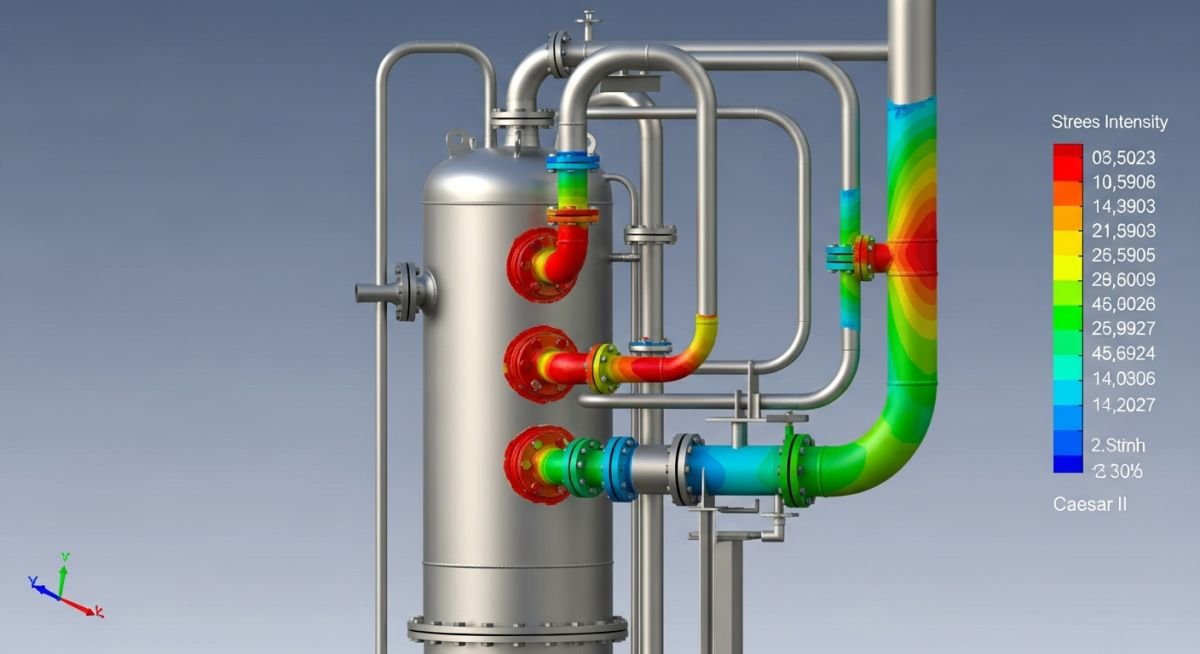
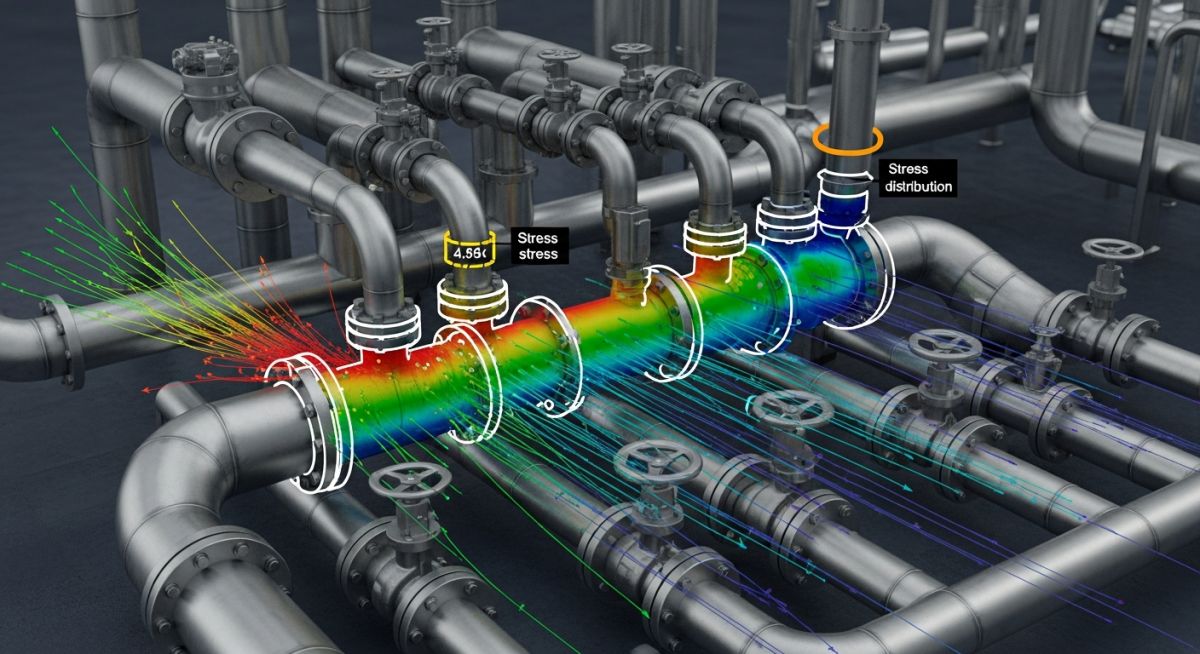
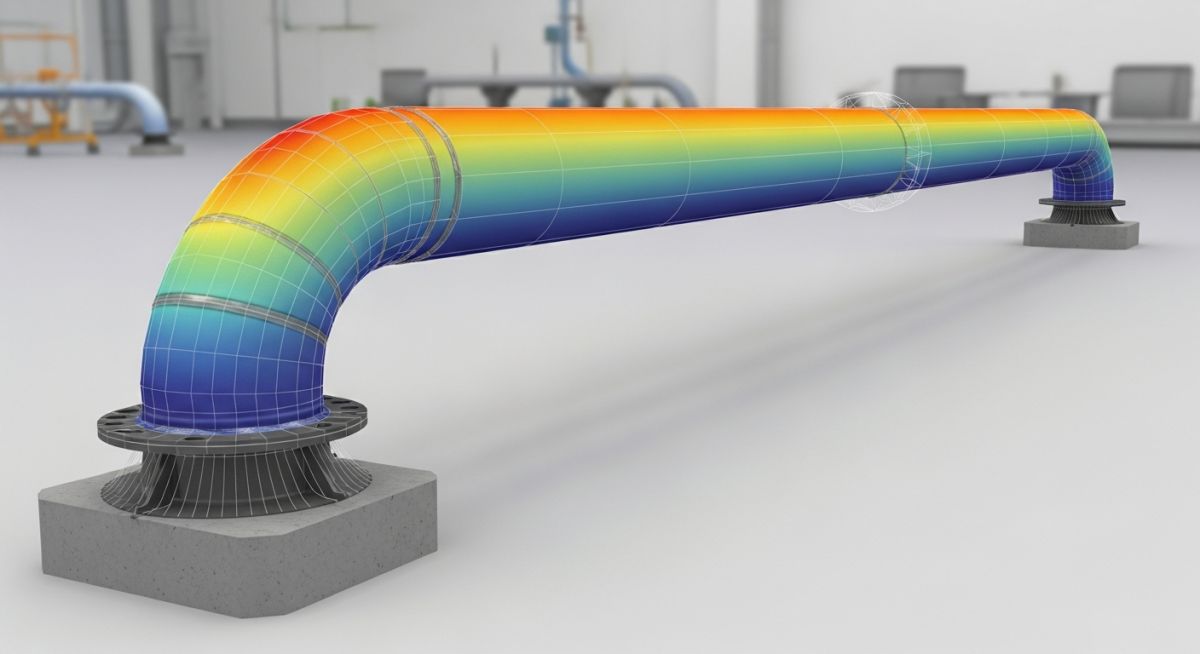
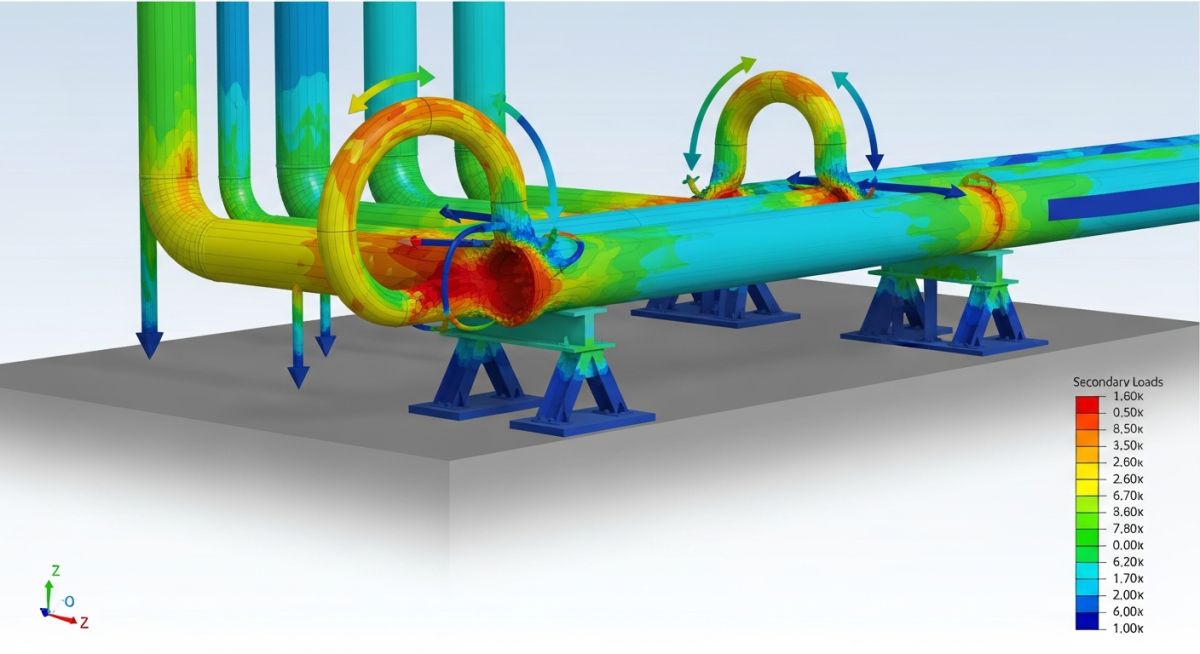
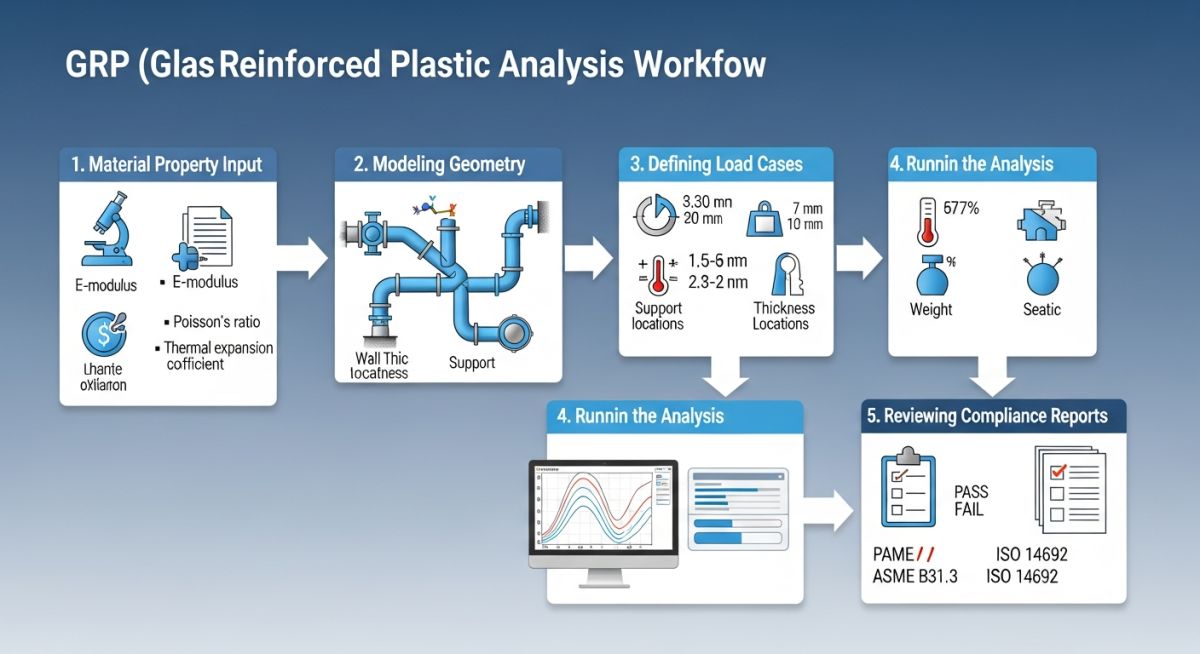
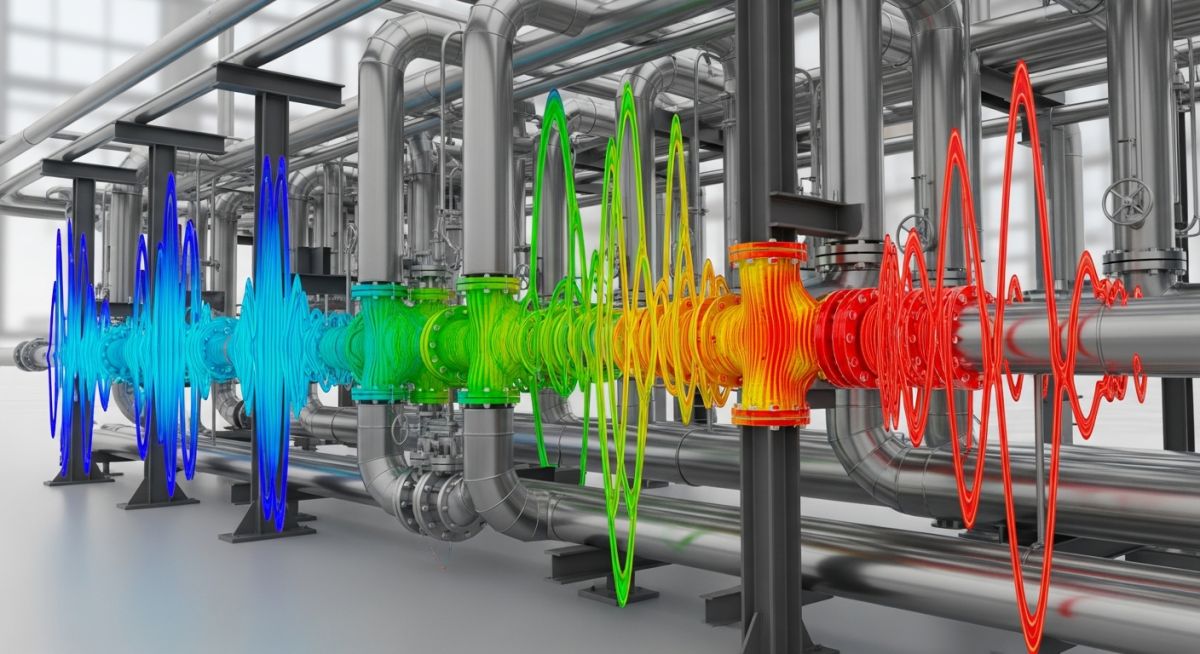
ISO 19650 COMPLIANT Verified by Epcland Architects | 2026 Professional Guide: Revit to PASS/START-PROF Import for Piping Stress Analysis The Revit to PASS/START-PROF Import process represents a critical bridge between Building Information Modeling (BIM) and rigorous mechanical integrity verification. By synchronizing 3D geometric data with advanced stress solvers, engineers can eliminate manual data entry errors and accelerate compliance with ASME and API standards. How do you perform a Revit to PASS/START-PROF Import? To execute a Revit to PASS/START-PROF Import, engineers typically export Revit MEP data via PCF (Piping Component File) or PNF (Piping Neutral File) formats. These files are then opened directly in START-PROF, which automatically maps geometry, material properties, and pipe diameters into a calculable stress model for immediate analysis. In This Engineering Guide What is Autodesk Revit in BIM Workflows? What is PASS/START-PROF Stress Analysis Software? Technical Methods for Revit to PASS/START-PROF Import Step-by-Step Revit to PASS/START-PROF Import Procedure Video Tutorial: Executing the Import Common Challenges in BIM Data Transfer Knowledge Check: BIM to Stress Workflows Question 1/5 Next Question Restart Quiz What is Autodesk Revit in BIM Workflows? Autodesk Revit stands as the industry standard for Building Information Modeling (BIM), providing a multi-disciplinary environment for design and documentation. In the context of a Revit to PASS/START-PROF Import, Revit serves as the primary geometric data source. Unlike traditional CAD, Revit models contain rich metadata, including material specifications, system classifications, and thermal properties, which are essential for downstream piping stress analysis. What is PASS/START-PROF Stress Analysis Software? PASS/START-PROF is a comprehensive piping stress analysis suite designed for the calculation of industrial piping systems and pipelines. It complies with international engineering codes such as ASME B31.1, ASME B31.3, and ISO 14692. The Revit to PASS/START-PROF Import capability allows users to transform architectural and MEP (Mechanical, Electrical, and Plumbing) designs into mathematical models capable of simulating thermal expansion, seismic loads, and weight-induced stresses. Technical Methods for Revit to PASS/START-PROF Import Achieving a seamless Revit to PASS/START-PROF Import requires the use of specialized exchange formats. The most reliable method involves the Piping Neutral File (PNF) and the PCF File Export. These formats act as a translator, ensuring that the spatial coordinates and connectivity of the piping system remain intact during the transition from a design environment to an analytical one. Exporting PCF Files for Seamless Integration The PCF (Piping Component File) format is the backbone of BIM to Piping Stress Workflows. Most Revit MEP users utilize third-party plugins or native export functions to generate PCF data. This file captures the "Isogen" data, including every elbow, tee, and flange, which the Revit to PASS/START-PROF Import engine reads to reconstruct the pipe string. Utilizing the Piping Neutral File (PNF) Interface For complex Data Transfer, the Piping Neutral File (PNF) offers a more granular control over material mapping. When performing a Revit to PASS/START-PROF Import via PNF, the software can automatically cross-reference Revit material names with the START-PROF material database, ensuring accurate Young Modulus and Thermal Expansion coefficients are applied. By mastering these Interoperability Standards, engineering teams can reduce the modeling lead time by up to 70 percent compared to manual reconstruction within the stress analysis environment. Step-by-Step Revit to PASS/START-PROF Import Procedure Successfully executing a Revit to PASS/START-PROF Import requires a disciplined approach to data preparation within the Revit MEP environment. Ensuring that your systems are fully connected and that material properties are defined is paramount for Automated Model Conversion accuracy. The Conversion Workflow Model Validation: Use the Revit "Check Systems" tool to ensure no open ends or disconnected pipe segments exist in the BIM to Piping Stress Workflow. Component Mapping: Assign Revit families to specific START-PROF component types (e.g., standard elbows vs. short radius) using the mapping database. File Generation: Export the selected piping run using the PCF File Export plugin or the native Piping Neutral File (PNF) utility. Import Execution: Open PASS/START-PROF, select "Import," and point to the generated file. The Revit to PASS/START-PROF Import engine will then generate the 3D analytical nodes. Global Settings Check: Verify that the design code (e.g., ASME B31.3) and ambient temperature settings match the project specifications. Common Challenges in BIM to Piping Stress Data Transfer Transfer Challenge Impact on Revit to PASS/START-PROF Import Engineering Fix Material Mapping Incorrect Allowable Stress values Standardize Revit material naming to match PASS/START-PROF databases. Support Rigidity BIM supports imported as rigid anchors Use specific Revit Family parameters to define "Spring" or "Guide" behavior. Coordinate Scaling Displacement errors in long pipelines Ensure Project Base Point in Revit aligns with the START-PROF global origin. Engineering Calculations for Support Rigidity When converting Revit geometry, the rigidity (K) of supports must be manually verified if the Revit to PASS/START-PROF Import does not automatically assign stiffness. The deflection (delta) is calculated as: delta = F / K Where F is the acting force and K is the support stiffness. In many BIM to Piping Stress Workflows, a default K value of 1010 N/mm is used to simulate perfectly rigid anchors. Revit to PASS/START-PROF Import Rigidity Calculator Use this tool to estimate the equivalent stiffness (K) for supports before finalizing your Revit to PASS/START-PROF Import. This ensures that Structural Rigidity Mapping matches real-world conditions. Applied Force (F) [N] Allowable Deflection (delta) [mm] Required Support Stiffness (K): 0 N/mm Input this value into the PASS/START-PROF support properties after the import. Calculate Reset Advanced Support Mapping: Revit Family Parameters for Spring Hangers A common bottleneck in the Revit to PASS/START-PROF Import workflow is the loss of support intelligence. By default, Revit supports often import as simple rigid anchors. To achieve high-fidelity BIM to Piping Stress Workflows, engineers must implement Shared Parameters within their Revit Hanger Families to communicate spring rates and travel limits to the START-PROF solver. Pro Tip: Parameter Standardization For the 2026 project cycle, ensure your Revit Shared Parameter file matches the PASS/START-PROF "Neutral Format" naming convention. This allows the Automated Model Conversion engine to recognize hangers without manual reassignment. Required Parameters for Support Synchronization Revit Parameter Name Data Type START-PROF Attribute SP_Support_Type Integer / Text Hanger Class (Variable vs. Constant) SP_Spring_Rate_K Number (N/mm) Vertical Stiffness (Cz) SP_Max_Travel Length (mm) Allowable Displacement Range SP_Cold_Load Force (N) Installation Pre-load (P0) Mapping Workflow in Revit To enable Structural Rigidity Mapping, follow these steps in your Revit project: Open the Family Editor for your preferred spring hanger. Add the parameters listed above as Instance Parameters to allow different ratings for each hanger in the system. When performing the Revit to PASS/START-PROF Import, use the "Map Attributes" dialog to link the Revit parameters to the corresponding START-PROF fields. Verify the Cold Load vs. Hot Load variation in the START-PROF report to ensure it stays below the 25% threshold required by most piping specifications. Mathematical Verification of Hanger Variation The load variation (%) after a Revit to PASS/START-PROF Import is verified using: Variation = |(Cold Load - Hot Load) / Hot Load| * 100 Note: If the variation exceeds 25%, the engineer must select a "softer" spring in the START-PROF database or switch to a constant effort support. Case Study: Revit to PASS/START-PROF Import for High-Pressure Steam Systems Project Data A power generation facility required the validation of a 14-inch high-pressure steam line. The original design was locked in an Autodesk Revit MEP model containing over 450 individual pipe segments and 22 variable spring hangers. Failure Analysis (Pre-Import) Initial manual attempts to recreate the model led to a 15 percent discrepancy in node coordinates, resulting in unrealistic expansion loop stresses that failed ASME B31.1 compliance. Engineering Fix The team utilized the Revit to PASS/START-PROF Import workflow via PCF File Export. This preserved the precise 3D spatial geometry. By using the Piping Neutral File (PNF) for material mapping, the exact thermal expansion coefficients were synchronized instantly. Lessons Learned: Automated import reduced modeling time from 3 days to 4 hours. Consistency in Revit Family naming is critical for support recognition. Coordinate system alignment prevented iterative rework. Figure 1.0: Stress profile validation after successful BIM data synchronization. Video Tutorial: Executing a Revit to PASS/START-PROF Import Interactive Video Tutorial Placeholder In a live deployment, embed your YouTube or Vimeo technical walkthrough here to demonstrate the Revit to PASS/START-PROF Import in real-time. Frequently Asked Questions Can I perform a Revit to PASS/START-PROF Import without third-party plugins? + Yes, you can utilize the native PCF File Export capabilities within Revit MEP, though specialized plugins often offer superior Structural Rigidity Mapping and material database synchronization for 2026 standards. Does the import process handle large-scale BIM to Piping Stress Workflows? + Absolutely. The Piping Neutral File (PNF) interface is specifically optimized for high-density models. For massive industrial plants, we recommend importing by system or zone to maintain computational efficiency in PASS/START-PROF. Are material properties preserved during the Data Transfer? + Material names are transferred; however, the engineering properties like Yield Strength and Thermal Expansion are mapped from the PASS/START-PROF internal library based on the imported name. Standardizing your Revit material naming is key. How does the software handle Automated Model Conversion of skewed piping? + The Revit to PASS/START-PROF Import engine uses global coordinate vectors. Skewed piping is accurately reconstructed using 3D vector math, ensuring that alpha and beta angles in your stress model match the BIM geometry exactly. Summary Implementing a robust Revit to PASS/START-PROF Import strategy is no longer optional for modern engineering firms. By leveraging Interoperability Standards like PCF and PNF, you ensure that your piping stress analysis is grounded in the "Single Source of Truth" provided by the BIM model, resulting in safer designs and faster project delivery in 2026. 📚 Recommended Resources: Revit Read these Guides 📄 Oil Refinery Process: 2026 Engineering Guide & Flow Scheme 📄 Piping Engineering Certification Course: 2026 Career Guide 🎥 Watch Tutorials Floating Roof Tanks Complete course on Stress Analysis